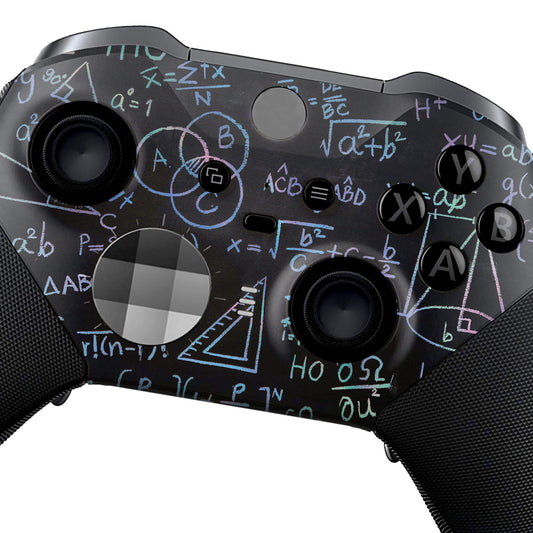
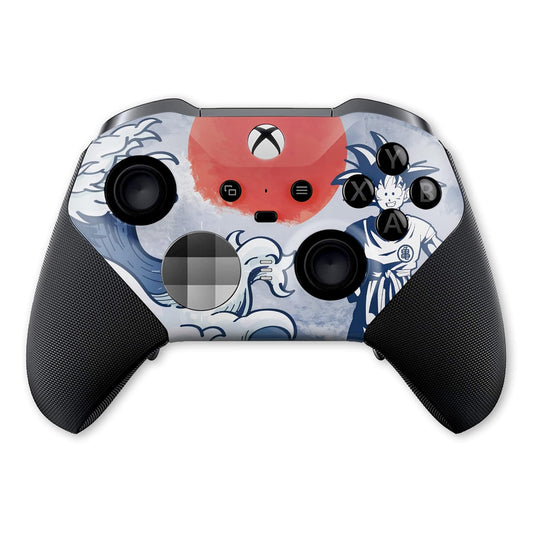
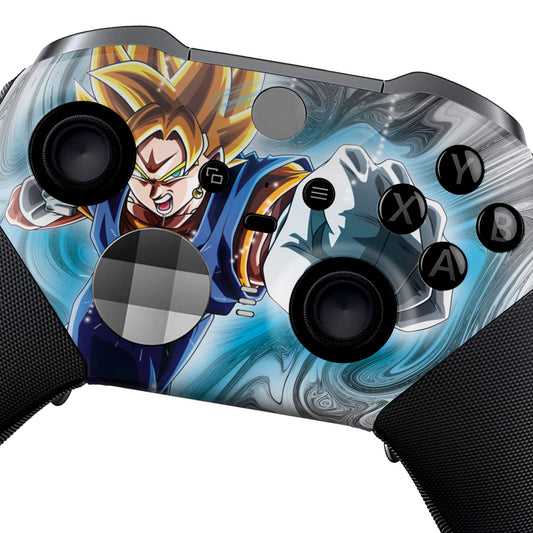
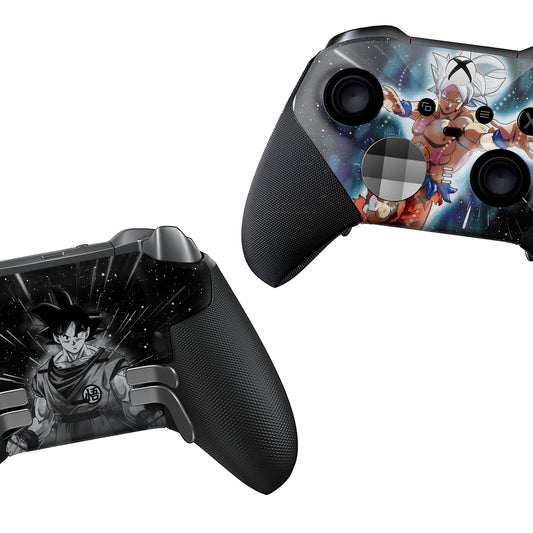
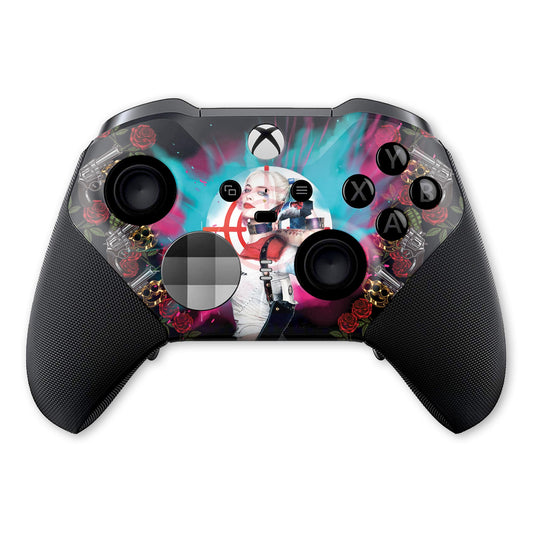
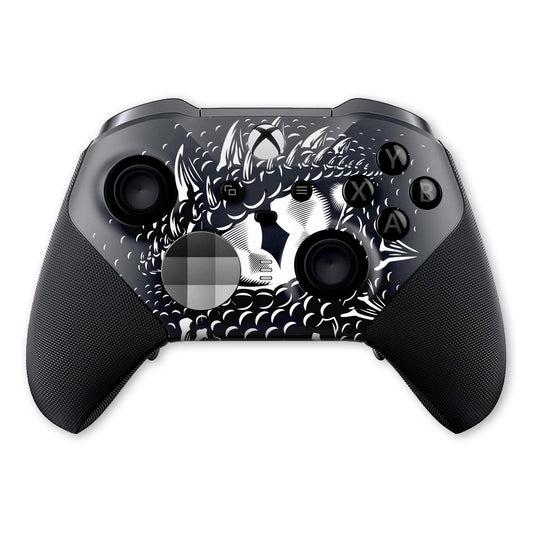
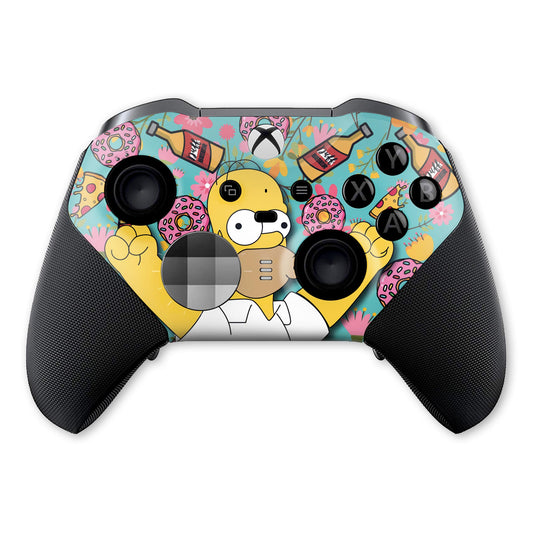
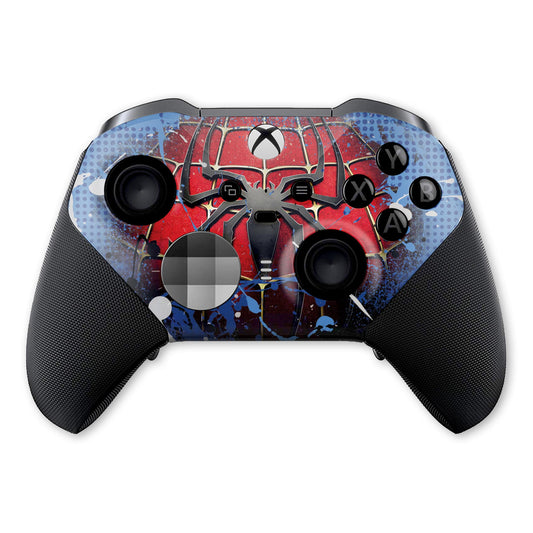
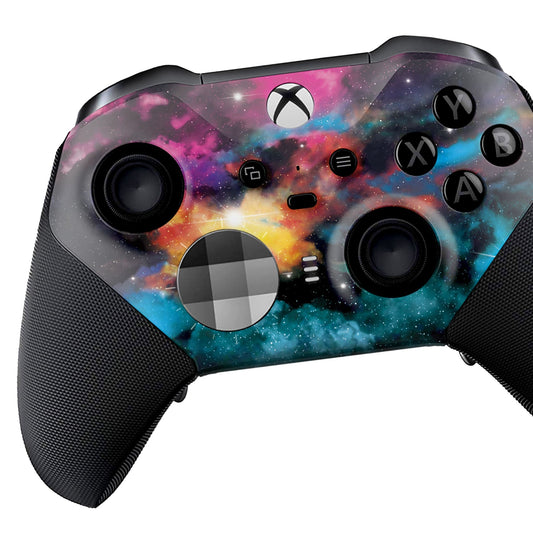
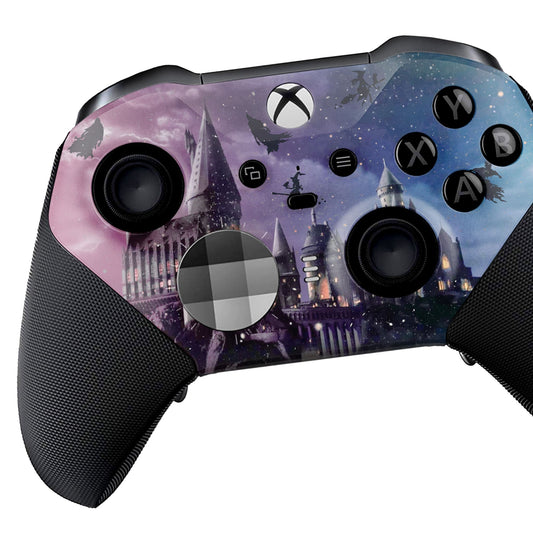
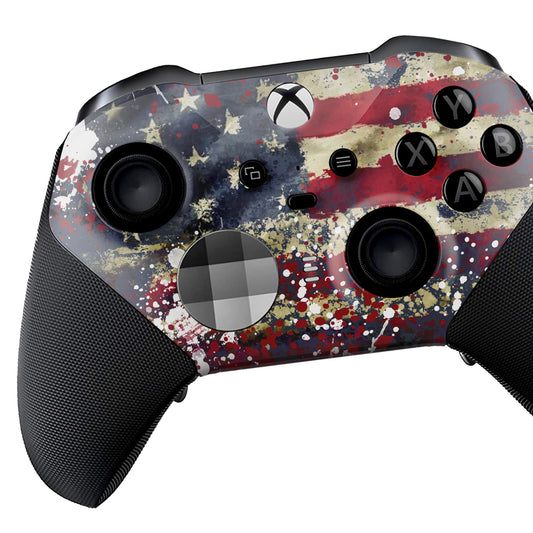
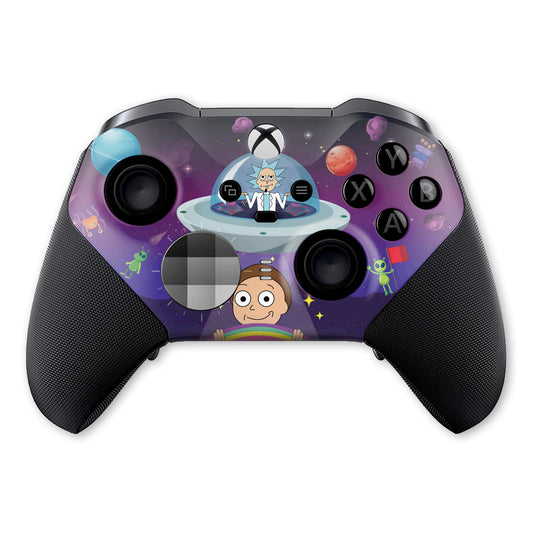
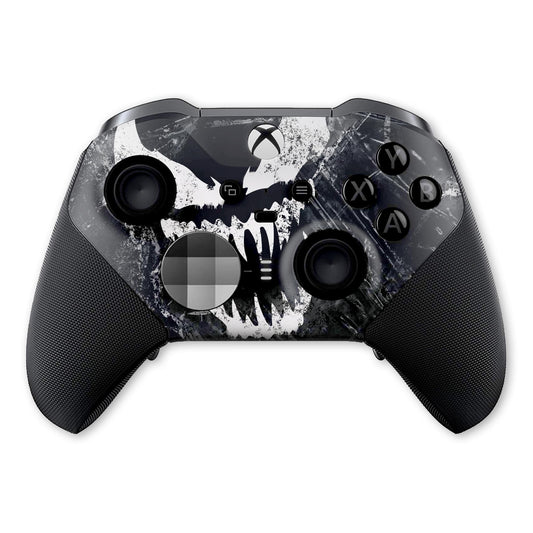
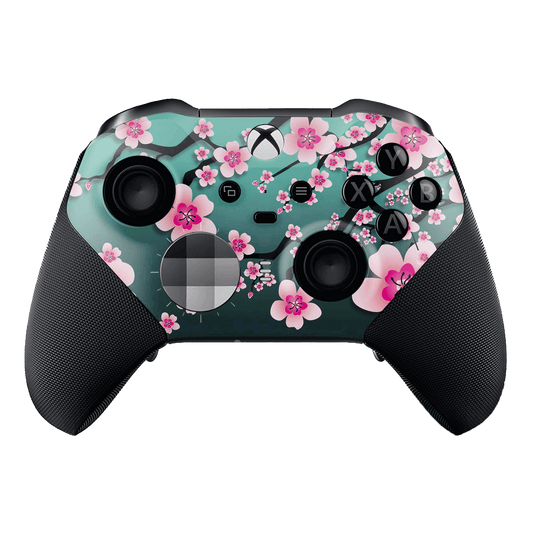
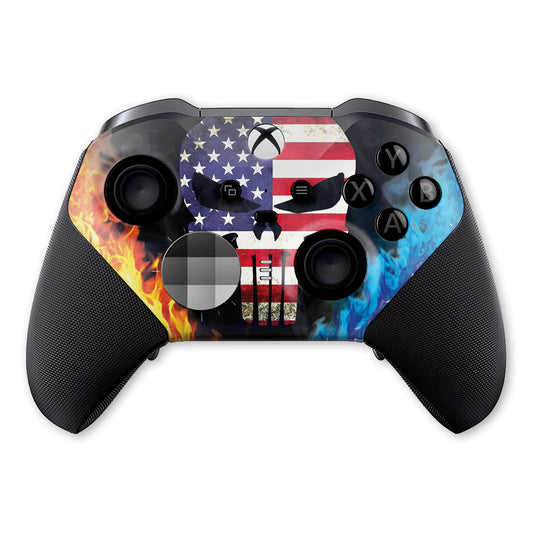
Xbox Elite Series 2
Filters
15 products
Custom Xbox Elite Series 2 Controllers
Unlock your full potential with the Xbox Elite Series 2—customized by Dream Controller. Built for serious players, our customizable Elite 2 controllers combine pro-level performance with bold, one-of-a-kind designs.
Quick Answer: A custom Elite Series 2 controller is a genuine Microsoft Elite Series 2 upgraded with unique skins, colorways, and optional pro tweaks like paddles, hair-trigger locks, and adjustable thumbsticks—fully compatible with Xbox Series X|S, Xbox One, and Windows PC.
You can buy custom Xbox Elite Series 2 controllers directly from Dream Controller, where you’ll find exclusive designs, premium finishes, and professional performance upgrades. Each controller is ready to use and crafted for gamers who want both style and top-level gameplay.
Why Choose a Custom Elite Series 2 Controller?
Authentic hardware
Built on 100% genuine Microsoft Elite Series 2 controllers for reliability, latency, and durability.
Pro performance
- Adjustable thumbstick tension for precision
- Shorter hair triggers for faster shots
- Remappable paddles to keep thumbs on sticks
- Rechargeable battery—up to 40 hours
Customizable design
From minimalist finishes to anime & abstract art. Durable, scratch-resistant skins and silicone covers keep your Elite 2 looking new.
Made for your playstyle
No two players are the same. Create a customizable Elite Series 2 controller with your name, logo, or team colors.
Browse Bold Designs
Pick from hundreds of custom Elite Series 2 designs—camo, neon, comic, abstract, and more. Every print is engineered for daily play, streaming, or ranked grinds.
Browse Custom Elite 2 Designs →
Pro-Level Features (Built on Elite Series 2)
- Adjustable sticks – dial in sensitivity for perfect aim
- Hair trigger locks – shave milliseconds off every shot
- Remappable paddles – jump, slide, or reload without leaving the sticks
- Textured grips – control and comfort during long sessions
- USB-C & Bluetooth – plug-and-play for Xbox & PC
Care, Cleaning & Troubleshooting
How to clean an Xbox Elite 2 controller
- Power off and unplug. Use a microfiber cloth lightly dampened with 70% isopropyl alcohol.
- For seams & the D-pad, use a dry cotton swab. Avoid excess liquid and harsh chemicals.
- Let it air-dry fully before use.
How to turn off Elite Series 2
- Hold the Xbox button for ~6–10 seconds, or
- Disconnect via your console/PC Bluetooth settings.
Elite Series 2 stick drift — quick tips
- Reboot your console/PC and update controller firmware.
- Lightly clean around the sticks with a dry swab.
- Try USB-C wired to rule out wireless interference.
- If issues persist, consider professional service or replacement parts.
See Elite Series 2 Charging Stations
Faceplates, Grips & Accessories
Refresh your controller with silicone grip covers, protective skins, travel cases, or a replacement faceplate. Many players also keep an extra screwdriver kit on hand for basic swaps.
- Elite Series 2 accessories – docks, cases, paddles
- Grip replacement – maintain traction & comfort
- Wireless controller skin – personalize & protect
Shop Elite Series 2 Accessories →
Note: Advanced repairs can void warranties. Choose official service if unsure.
Design Your Own Elite 2
Want something 100% yours? Start with a base look and request a custom Xbox Elite controller with your name, logo, or color scheme.
About “Elite Series 3” Searches
Players often search for an Elite Series 3 controller. We currently customize the Elite Series 2—a proven pro gamepad. For news or future updates, check our guides and announcements.
Why Dream Controller?
- Licensed base hardware: 100% authentic Microsoft Elite 2
- Professional customization: Durable finishes & quality control
- Global shipping & warranty: Trusted by gamers & creators
Frequently Asked Questions
What is a custom Elite Series 2 controller?
A genuine Microsoft Elite Series 2 personalized with skins, colorways, and optional pro tweaks like paddles, hair triggers, and adjustable sticks.
Is it compatible with Xbox Series X|S and PC?
Yes—our custom Elite Series 2 controllers work with Xbox Series X|S, Xbox One, and Windows PC (USB-C or Bluetooth).
Can I design my own controller?
Absolutely. Choose a base design and request your customizable Elite Series 2 controller with your name, logo, or theme.
How do I fix stick drift?
Update firmware, clean around the joysticks, and test via USB-C. Persistent issues may require professional service.
How do I turn off the Elite Series 2?
Hold the Xbox button for about 6–10 seconds or disconnect via Bluetooth settings.
What do L1/R1/L2/R2 mean on Xbox?
On Xbox they’re named LB/RB (bumpers) and LT/RT (triggers). “L2” commonly refers to LT; “R1” refers to RB.
Upgrade to Pro-Level Gameplay
Find your perfect custom Xbox Elite Series 2 or personalize one from scratch.
Where can I buy the custom Xbox Elite Series 2 Controller?
You can get custom Xbox Elite Series 2 controllers from specialized stores like Dream Controller, offering personalized designs and premium performance upgrades.


